Collect Account
A Collect Account gives you access to powerful team management features and the full web dashboard. Create Collect users (including other admins), manage products, manage permissions, track activity, and much more—all from one centralized place.
Why Collect Accounts?
With a Collect Account, you can:
- Create and manage team members with customizable permission levels
- Access the full web dashboard with advanced features like product management, uploading product images, invoices, user management, and more
- Switch between multiple Stripe accounts seamlessly (highly recommended if you have multiple Stripe accounts)
- Sign in to the mobile app using your Collect Account credentials
- Control access by restricting features and data based on each user's role
- Revoke access when a user leaves the organization, immediately terminating their ability to use Collect with that account
Getting Started
Step 1: Create Your Collect Account
You can create your account by going to the dashboard login page and clicking "Don't have an account? Sign up here".
Or, just follow this link → Sign Up
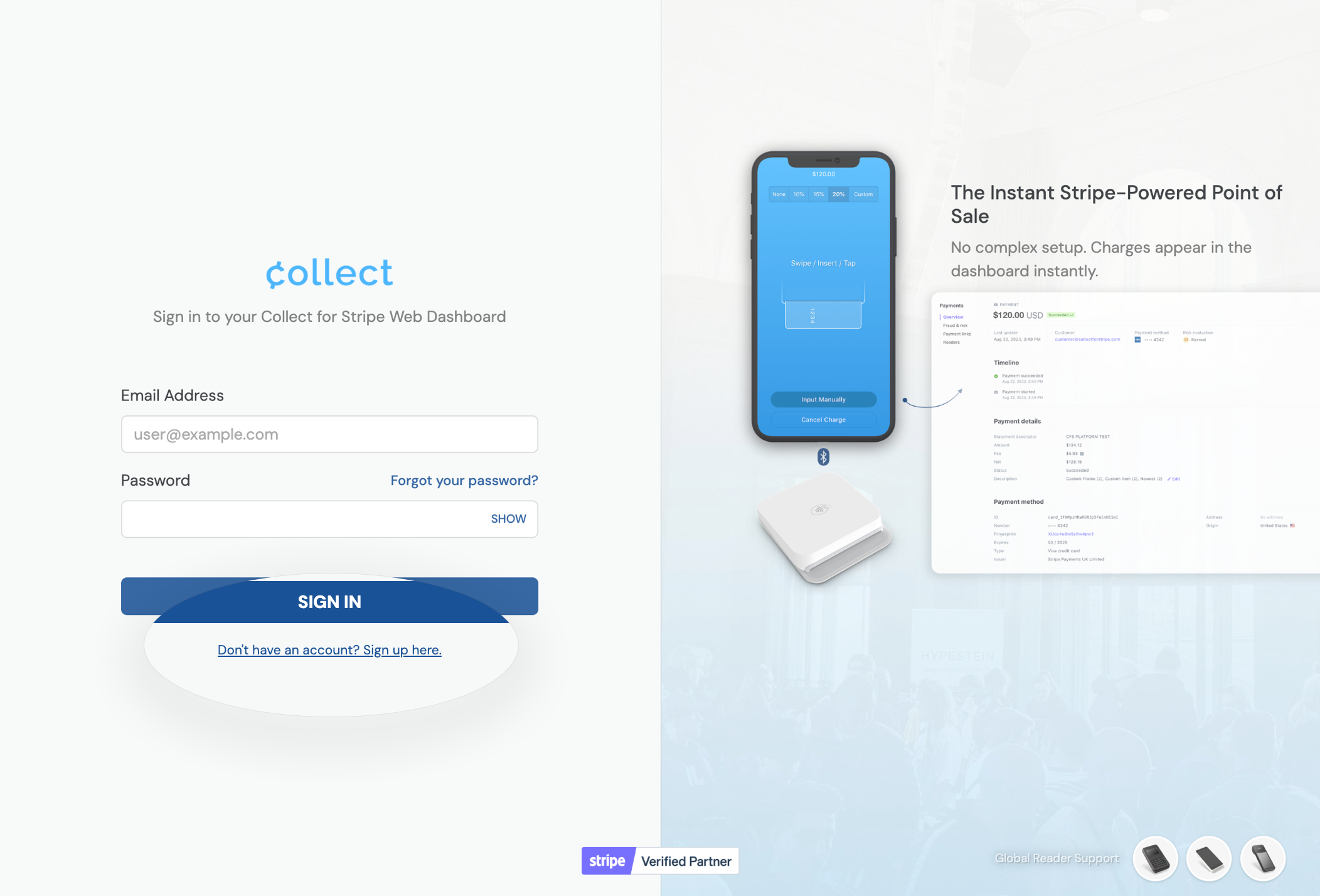
Sign up for a Collect Account
Ready to start? → Create your Collect Account
- Enter your name and email address to create your account
- Check your email for a confirmation / set-password link
- Once inside the dashboard, Connect with Stripe and continue
Step 2: Connect Your Stripe Account
After creating your Collect Account, you'll be prompted to connect your Stripe account right there in the web dashboard. You can also connect later from the main landing page, or choose Connect another Stripe Account in the top-right menu.
- Sign in with your Stripe administrator credentials
- Choose an existing Stripe account to connect, or create a new Stripe account (near the bottom of the list)
Only Stripe account administrators can connect a Stripe account to a platform. This step only needs to be done once per account.
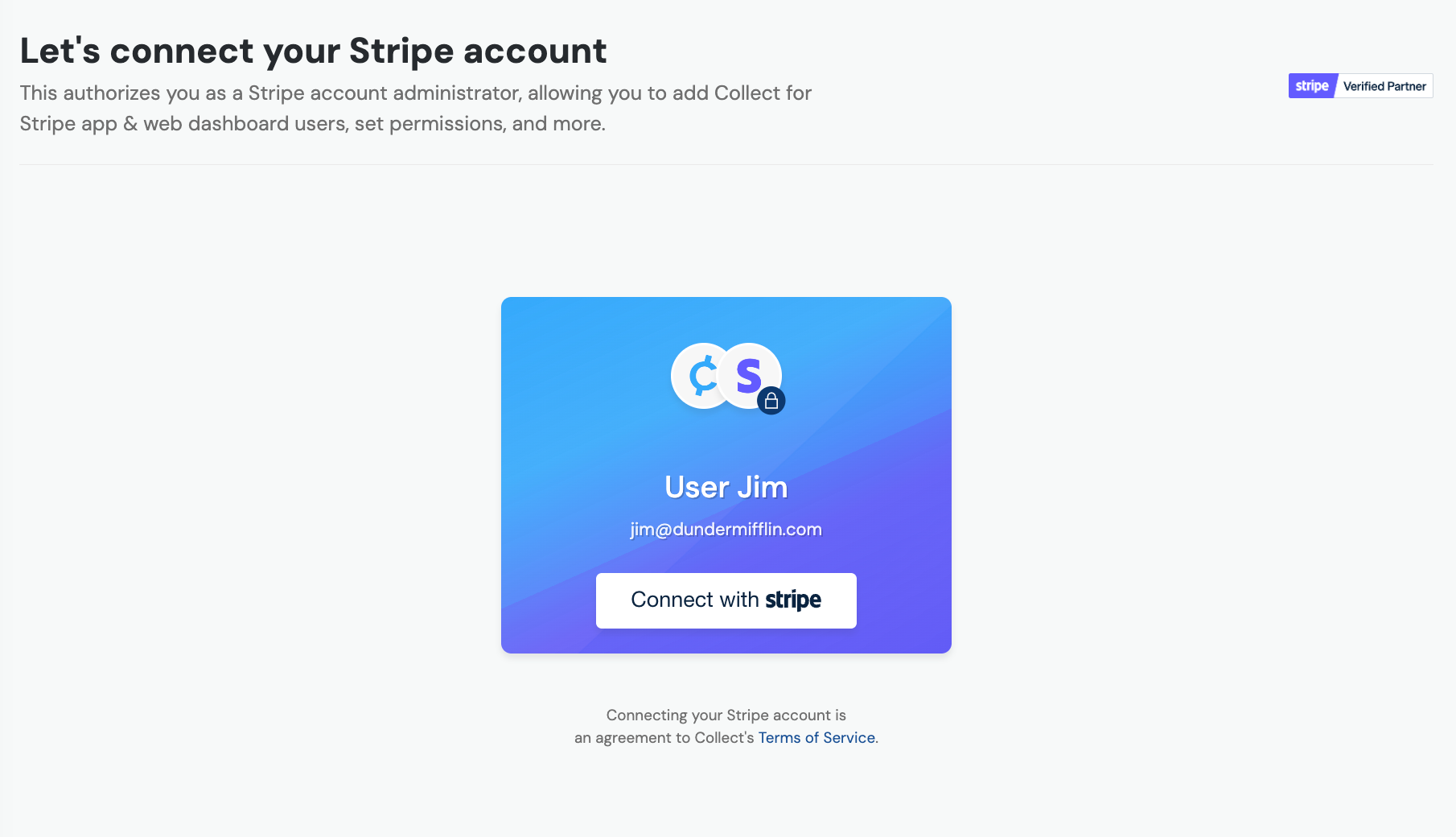
Connect your Stripe account
Creating a new Stripe account during Connect
If you choose Create a new account, Stripe walks you through onboarding. Already have a Stripe account? Multiple accounts are normal — your existing one stays unchanged. Stripe lets you copy details from it during creation for faster verification, and you can use the same bank account.
When you’re done, the new account shows your brand logo and the Collect logo in the Stripe Dashboard — that means it was created through Collect. Collect for Readers requires this kind of account (connecting an existing one is not enough).

Created through Collect: your logo with the Collect logo
Step 3: Access Your Dashboard
Once your Stripe account is connected, you'll see all your Collect Dashboard information and have access to all features.
Step 4: Sign In
You can now sign in to the Collect mobile app using your Collect Account. You'll have full access to all features based on your account permissions.
If you created a Stripe account through Collect so you can run Collect on an S700 or S710, contact us after registering the reader to a Location — we'll deploy Collect for Readers, then you can sign in on the device.
What's Next?
Now that you have your Collect Account set up, you can:
- Add team members and manage your team
- Assign permissions to control what each user can access
- Learn about permission levels to understand role differences
- View activity logs to track team member sign-ins
- Collect for Readers if you’re running Collect on an S700 or S710