Signing In
The Collect mobile app offers two ways to sign in, depending on your business and how you will use the app.
Administrators: This page helps you choose the right sign-in method for your organization.
Team members: If your business administrator has created a Collect Account for you, use Option 2: Sign in with a Collect Account.
Sign In Options
Option 1: Sign in with Stripe
Sign in directly with your Stripe account credentials. This option is only suited to solo users / Stripe administrators.
→ Learn more: Quick Start: Stripe Connect
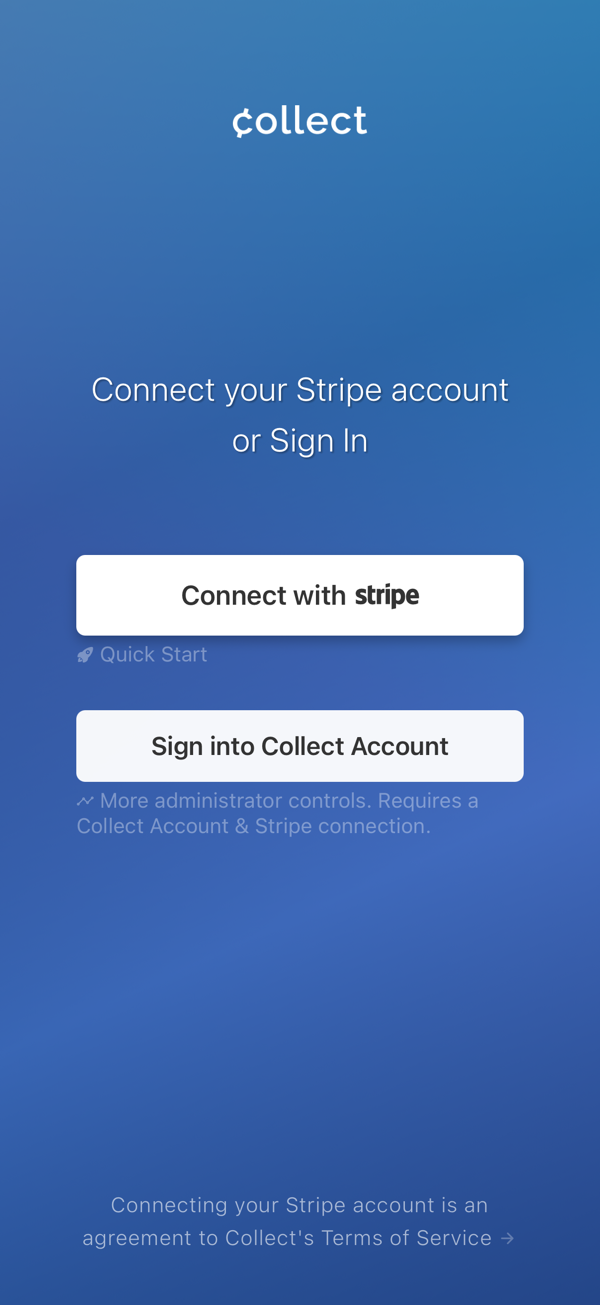
Choose your sign-in method
Option 2: Sign in with a Collect Account
Sign in using your Collect Account credentials. This option is best for teams and organizations.
If your administrator has created an account for you, make sure you have confirmed it via email and set a password. Then, continue as noted.
→ Learn more: Collect Account
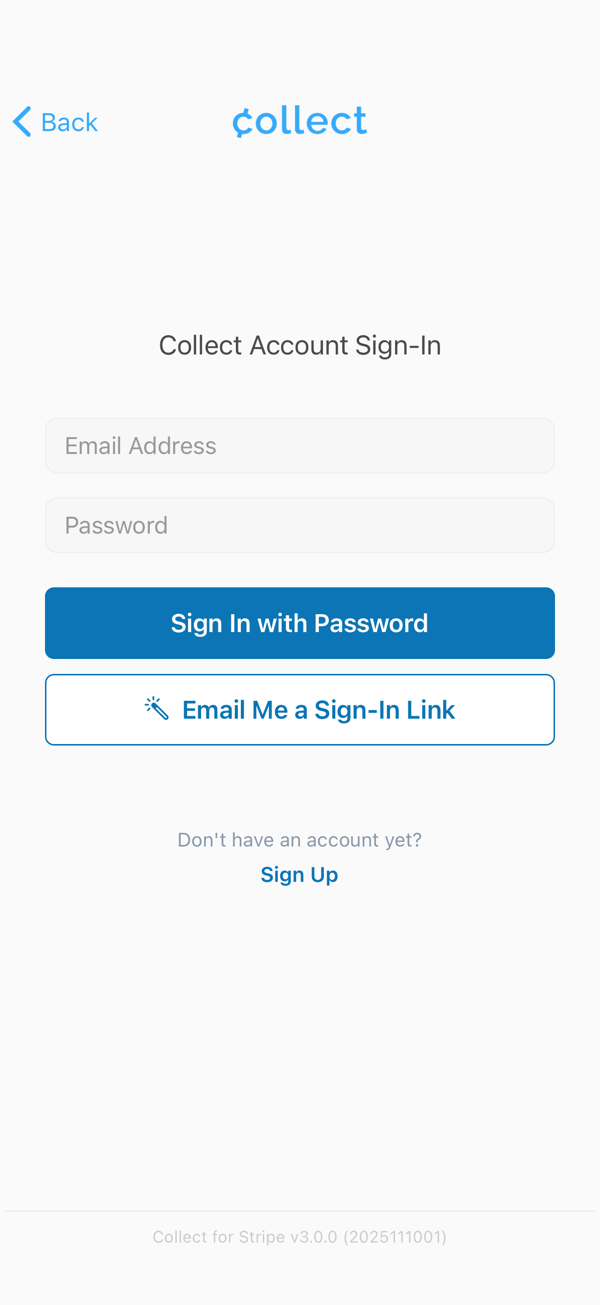
Sign in with your Collect account
On an S700 or S710, we recommend signing in with a Collect account. See Collect for Readers.