Processing Transactions
There are two ways to process a transaction: using a connected card reader or entering card details manually.
First, follow any prompts presented by your Payment Flow.
Payment Flow and Options
Depending on your Payment Flow, the Process Payment step may prompt you to select a Customer, apply Taxes, and the Customer may add a Tip.
Follow the prompts to complete the transaction.
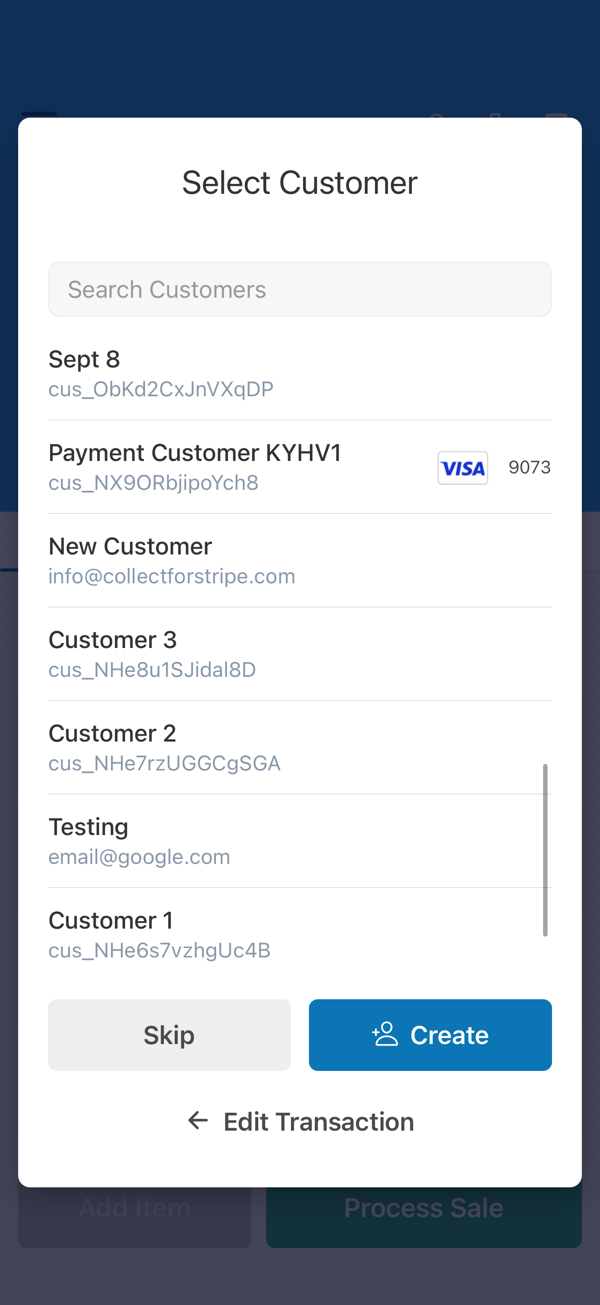
Select a customer (optional– dependent on Payment Flow)

Capture customer signature (optional– dependent on Payment Flow)
Using a Card Reader (Recommended)
If you have a connected reader, the app will default to using the reader. If needed, you can cancel and switch to manual entry (Payment Sheet).
Readers are available for order through the Stripe Dashboard. They all support contactless cards, chip, and fallback to swipe if needed.
This is also the recommended method of saving cards for future use from the Customers screen.
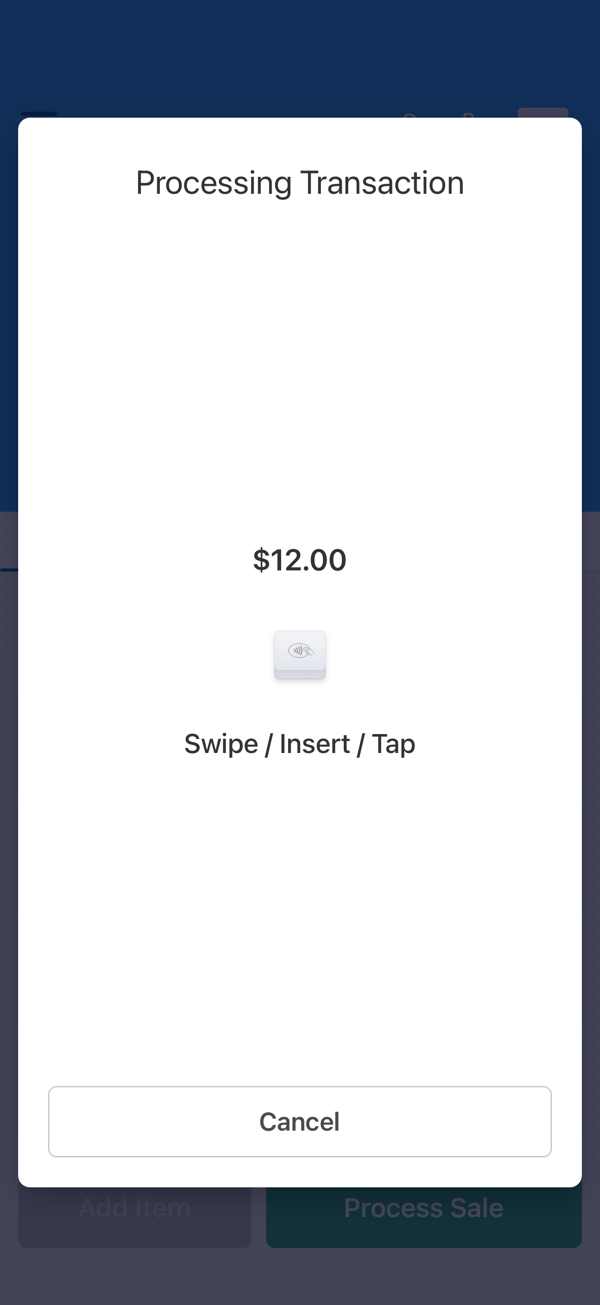
Processing with a connected reader
Payment Sheets (Manual Entry)
If you don't have a reader, the card isn't present, or you want to use a different payment method entirely, you can manually enter or select payment details.
Collect uses Stripe's recommended, secure input source, the Payment Sheet.
- Select Enter Card Manually during processing. (If no reader is connected, this will happen automatically).
- Enter the requested information.
- Continue.
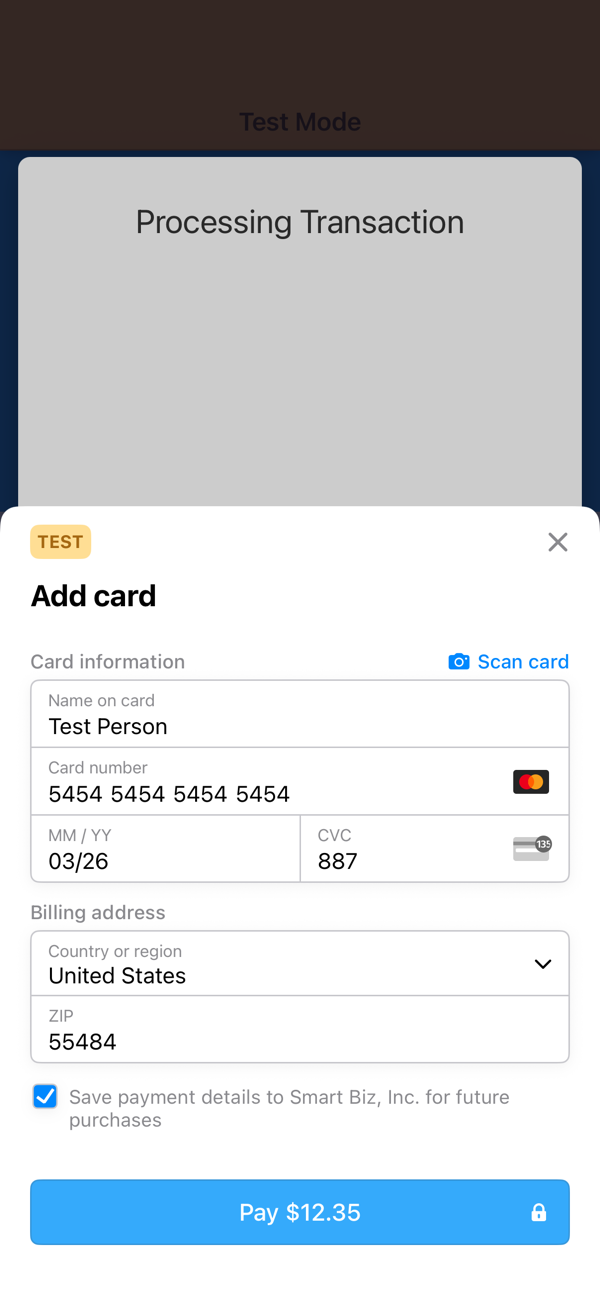
Enter card details manually
If a transaction has a Customer attached and that Customer already has one or more payment methods on file, Collect will default to selecting a payment method on file, even if a card reader is connected.
You can easily cancel this and collect payment as if it's any other transaction.
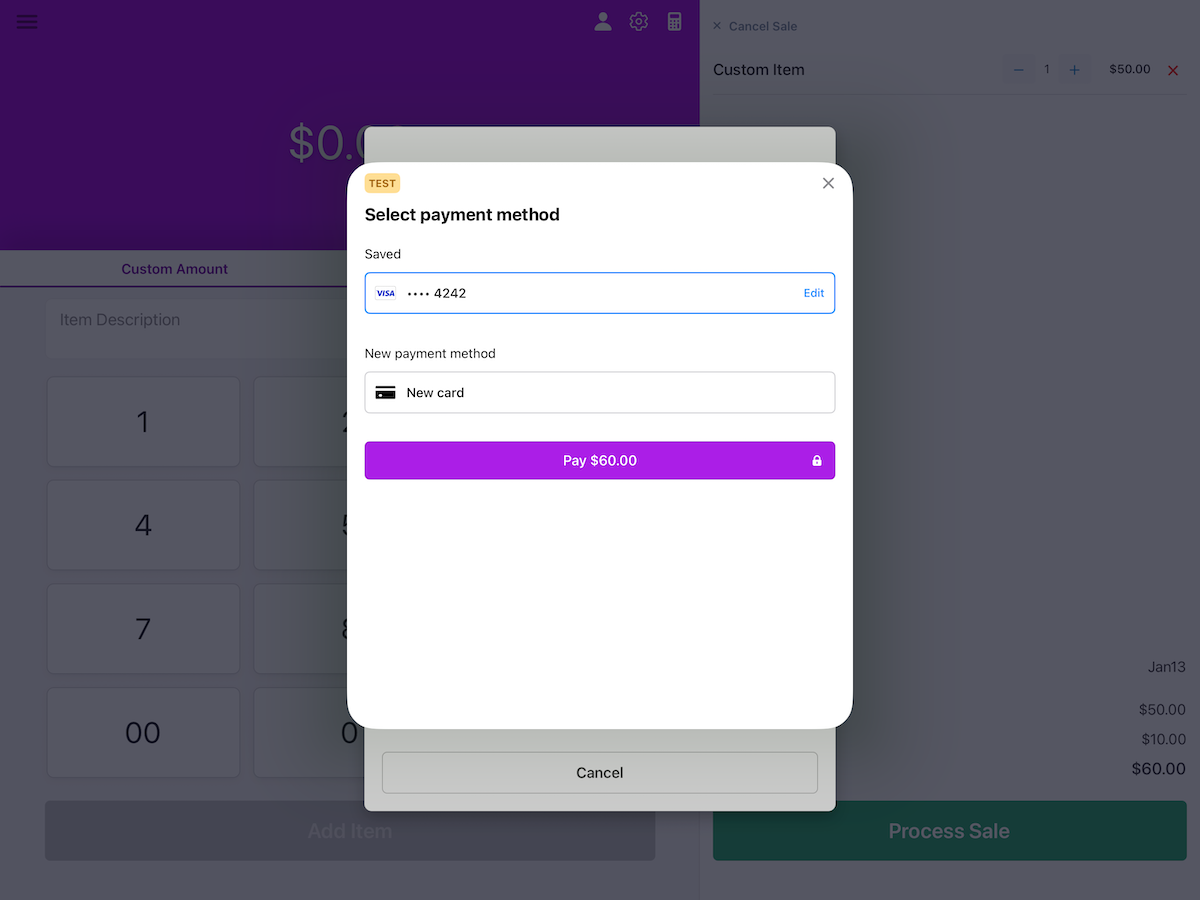
Processing with a Customer's saved payment method (tablet with custom App Color set)